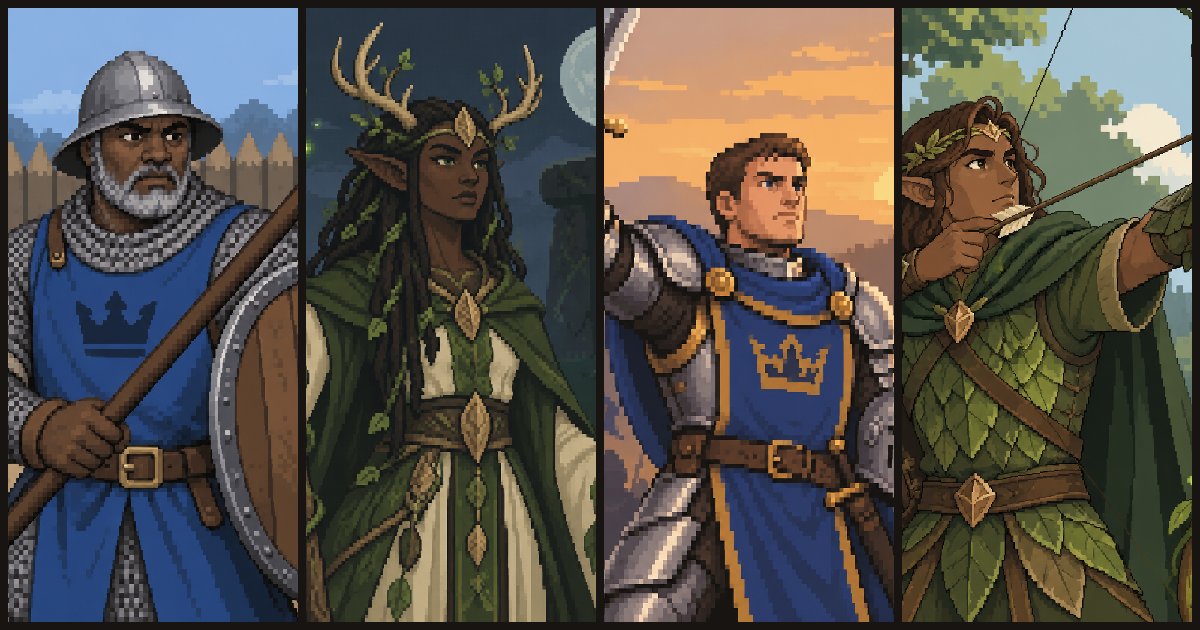
Princess Siege currently has 98 card images. I generated them with a Python script that reads prompt files, applies a shared style and saves every image under the id used by the game.
I wrote the script because I wanted a consistent way to create and recreate a large set of related images. A prompt might otherwise be sitting in a chat, the style instructions might change between images, and regenerating part of a set would mean remembering exactly what I had done before.
With the script, the prompts are part of the project.
Prompts as files
The card prompts are stored in JSON. Each key is a card id and each value describes the subject:
{
  "human_levy": "A nervous young farmhand conscript, gripping a pitchfork-spear with both hands. Background: a muddy village lane under a grey morning sky.",
  "human_spearman": "A broad middle-aged spearman, planting a long spear forward with a round wooden shield raised. Background: a wooden palisade wall at noon."
}
The descriptions were a mixture. I wrote some myself and used AI to draft others, then reviewed and changed them.
The key becomes the filename:
human_levy       -> assets/cards/art/human_levy.png
human_spearman   -> assets/cards/art/human_spearman.png
The game already knows the card id, so it can find the corresponding image without a separate list connecting the two.
Keeping the style separate
The JSON prompt describes what is in one image. A separate text file describes what the whole set should look like.
For the human units, that file specifies the framing, level of detail, palette, background and faction colours. It asks for one figure, with the head and shoulders inside the top third so the same image can be cropped for both a card and a board token. It also rules out text, borders and watermarks.
The script joins that shared style to each card description before sending it to the API:
def compose_prompt(base, prompt):
    base = (base or "").strip()
    prompt = (prompt or "").strip()
    if base and prompt:
        return f"{base} {prompt}"
    return base or prompt
This means I can change the art direction in one file instead of editing every human-unit prompt individually.
It also leaves the final style open. I might regenerate the current prompts at a higher quality, rewrite the shared style completely or replace parts of the set another way. The subject descriptions can survive even if the overall look changes.
Generating a batch
One command pairs a JSON batch with its style file:
python tools/openai_image.py generate assets/cards/art/ \
  --batch development/prompts/cards/units-human.json \
  --base-file development/prompts/cards/style-unit-human.txt \
  --size 1024x1024 \
  --quality low \
  --parallel 10
The card art was generated at low quality because it is for the prototype. At this point I need to know whether a character reads clearly on the card, whether the factions look different and whether the crop works. Rendering finished artwork before the cards are settled would make changing the design more expensive.
Parallel requests make the batch finish sooner, while retries handle requests that fail temporarily.
The feature I care about most is simpler:
if (output_path / f"{name}.png").exists():
    print(f"SKIP {name} (exists)")
else:
    to_run[name] = prompt
The script does not overwrite an image that already exists. If five images in a batch are wrong, I delete those five files and run the same command again. The good images are skipped and only the missing ones are generated. That makes regeneration predictable and avoids paying for the rest of the batch again.
Reviewing the results
A completed request is not the end of the process.
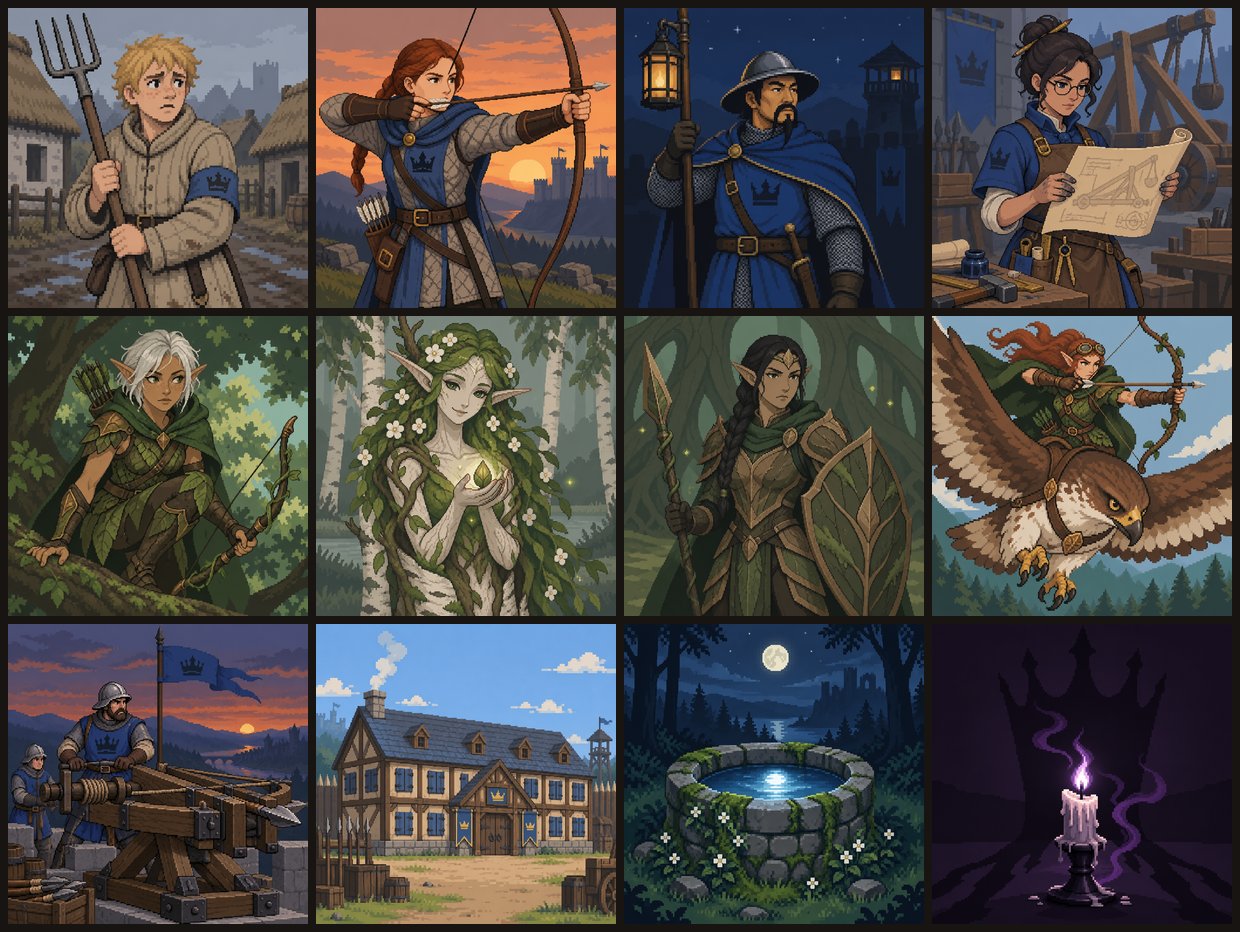
I reviewed batches as contact sheets, which made it easier to spot images that did not match the rest of the set. I also went through the folder and opened the ones that looked strange individually.
The recurring problems were fairly consistent:
- A scene came back split into several panels.
- Soldiers faced away from the viewer, showing the backs of their helmets.
- The main subject was duplicated as a smaller figure in the background.
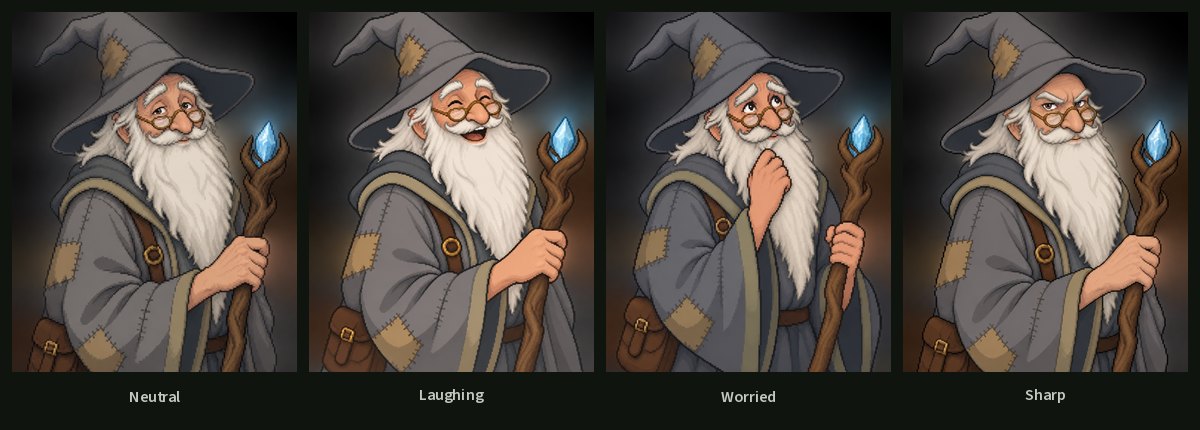
- Characters changed too much between different expressions.
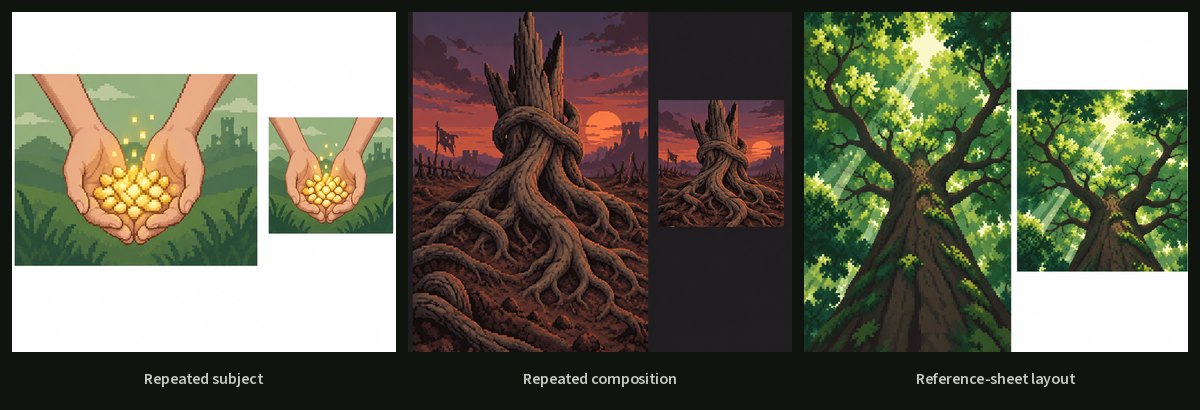
When a result was wrong, I usually changed the prompt rather than editing the image. One prompt now starts with:
ONE single unified scene, one viewpoint, no panels or split image.
Another specifies:
Front view. Shows soldiers’ faces, not the backs of helmets.
Those instructions exist because earlier versions failed in exactly those ways.
For story portraits, I use the script’s edit mode. It generates one neutral portrait, then uses that image as a reference for expressions such as laughing or worried. That gives the model a better chance of keeping the face, clothing and props consistent.
Why this is prototype art
The art shown in Princess Siege is AI-generated and unfinished. Its purpose is to let me work on complete cards and screens while the game itself is still changing.
Having an image for every card makes it easier to judge the board, recognise cards and see whether the interface works. None of that requires me to decide today what the final art style will be.
The script means that decision can remain open. If I change the shared style later, I still have the individual subject prompts, filenames and batch structure. I can regenerate the set without rebuilding the process around it.
Get the script
I published a cleaned version as an OpenAI image batch tool on GitHub. It includes the Python script, installation instructions, example prompt and style files, a pinned dependency and an MIT licence.
Here is the example batch file from the Gist:
You will need your own OpenAI API key and access to the image model you select. Model availability, supported options and pricing can change, so check the current OpenAI image-generation documentation before running a large batch.
If you use the tool for your own prototype, send me what you make at hello@teamhayat.com.